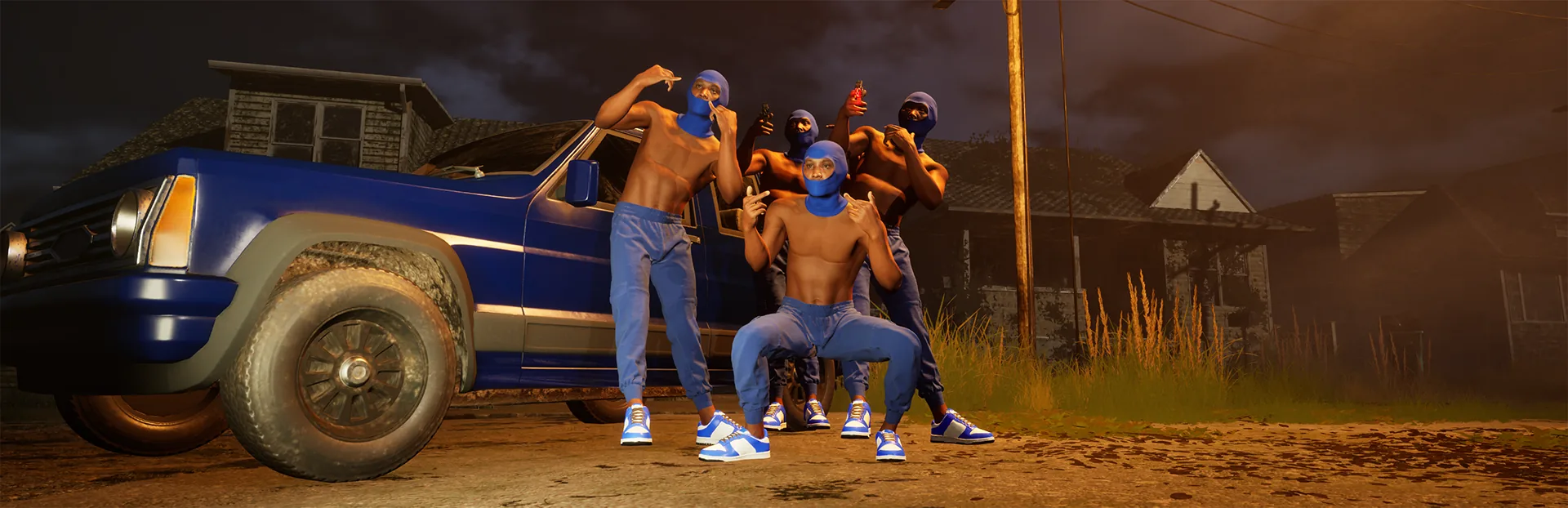
Suburbs is a named map in Hood Warfare 2. You can select a map for bot practice, but a verified Suburbs layout, house-by-house guide and objective-location diagram are not available here.
The name does not establish which homes are accessible, whether yards connect or which windows can be used. Treat those as things to check in the loaded match rather than features guaranteed by a residential theme.
Confirm the selected map
Use the actual name Suburbs to identify the practice location. A residential-looking screenshot cannot certify its map identity on appearance alone.
Keep the same map and mode selected while you learn. Hood Warfare 2 supports choosing both when setting up a match against bots; the screenshot below records its menu labels without establishing a current bot limit or offline connection state.
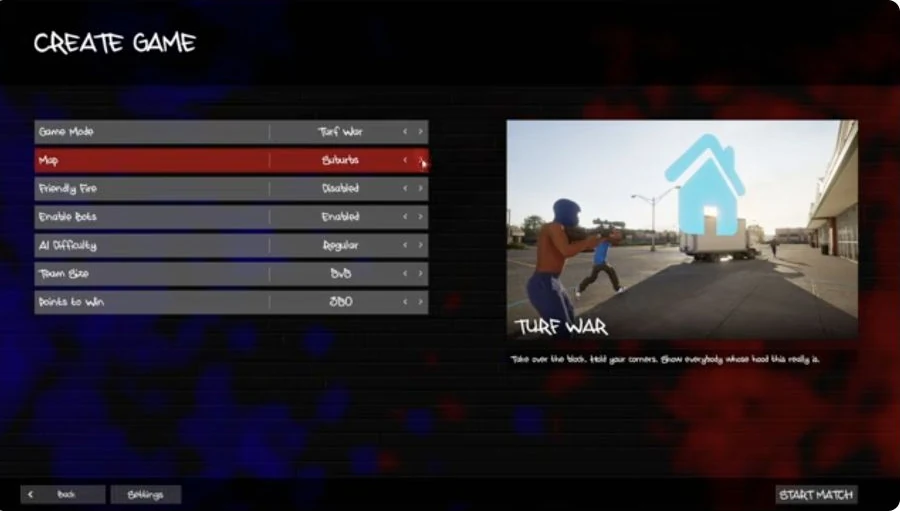
The Map field reads Suburbs. The large image on the right previews Turf War, the selected mode; it is not a layout or identified gameplay view of Suburbs.
In the recorded Create Game screen, use the arrows on the Map row until Suburbs appears. Choose Game Mode separately, then check Enable Bots if you want bot practice. Confirm the map text before starting; the mode preview alone does not identify the map.
Source: original menu at 9:10, visually checked October 19, 2026. This historical recording establishes that selection at the time; it does not prove the latest menu, available modes or map layout.
Establish access before using a landmark
For a first session, choose an objective shown in the match and learn one way to reach it. If you use a visible building as a landmark, establish which side you mean and whether the route you describe is actually accessible.
Do not assume an open-looking yard is a connecting path or that every building has an interior. A landmark can help you recognize your position even when you cannot enter it. This is a practical navigation recommendation, not a verified map layout.
Keep callouts consistent within the match
Agree on descriptions your teammates can recognize. A visible landmark and a confirmed direction are more useful than an invented house number or an assumed spawn name.
Recheck the destination when the mode changes. A route learned while looking for opponents does not identify territory, bag or bomb locations for another objective. Learn those positions from the selected match before deciding which approach supports the task.
Choose the mode for your map practice
Use the map-name overview to switch map guides, then compare the mode objectives before selecting a bot practice session. Keep the map fixed while checking one input or objective so an unfamiliar route does not obscure the comparison.
Official feature reference: Hood Warfare 2 on Steam.