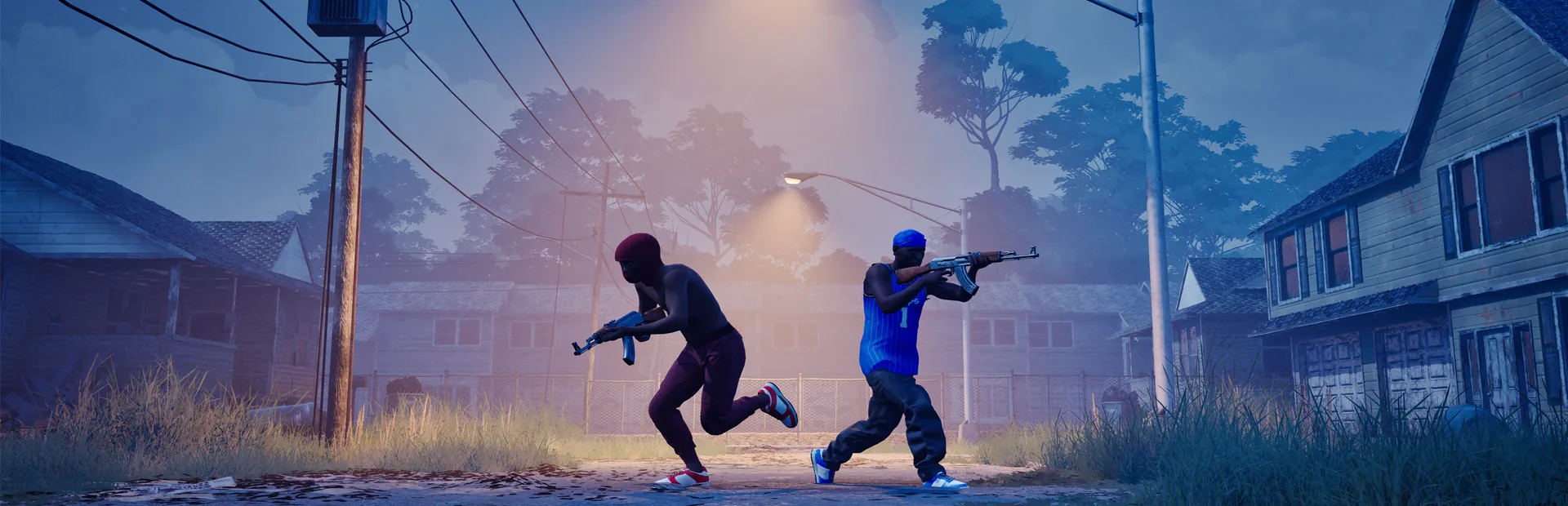
Press T for the default Hood Warfare 2 push-to-talk input. The official patch 1.0.10 announcement added voice chat for the whole lobby or just your team, with push-to-talk on by default and an open-mic preference in settings.
Set up voice chat with a teammate
- Open the game's settings and review its voice-chat preferences.
- Choose the available team or whole-lobby communication option for the session you want.
- Keep push-to-talk for a deliberate first test, using the announced T default unless your installed configuration shows a different binding.
- Speak while activating push-to-talk and ask a friend in the intended audience whether they hear you.
- If you prefer open mic, select that preference and repeat the same audience check.
The final check matters: team-only communication will not reach an opponent just because both players joined the lobby. Open mic changes when your microphone transmits; it does not by itself establish a different audience.
Distinguish the microphone from game playback
| What happens | What to check next |
|---|---|
| You hear the match, but friends cannot hear you | Check the voice preference, active microphone and push-to-talk input; test with the intended team or lobby audience |
| Nobody hears you until T is activated | That matches the announced default push-to-talk behavior |
| You cannot hear any game sound | Use the patch 1.0.1.4 output-device instructions |
| You can hear some people but not others | Recheck whether each test uses team chat or whole-lobby chat before diagnosing a broken microphone |
| A controller plays the match but the voice input is unclear | Check the installed prompts and active controller mapping; the announcement only establishes the keyboard T default |
Selecting an audio output device fixes the documented playback issue. It does not establish that a microphone is selected or working. For a microphone test, keep one listener, one audience and one input mode fixed so that you can identify which change affected the result.
Check the update when a launch guide says there is no chat
Voice chat was announced on October 12, 2026 at 16:35:55 UTC under the developer's version label 1.0.10. A guide from before that patch can describe an older game state.
The later 1.0.1.4 announcement, dated October 14, covers an audio-output fix. The version labels are reproduced exactly as published; dates establish the order of these announcements.
If the update has not appeared, the developer recommends fully exiting Steam through Steam → Exit Steam, then reopening it and checking the menu version. A private session with a friend is useful for a two-person communication check once the update is installed.
Sources and related guides
Trapstar Games: patch 1.0.10 supplies the T default, push-to-talk/open-mic preferences and team/lobby scope. Patch 1.0.1.4 supplies the separate output fix and Steam refresh instructions. Checked October 15, 2026.
For the other input checks, open controls. For team decisions after communication works, use the multiplayer objective guide.