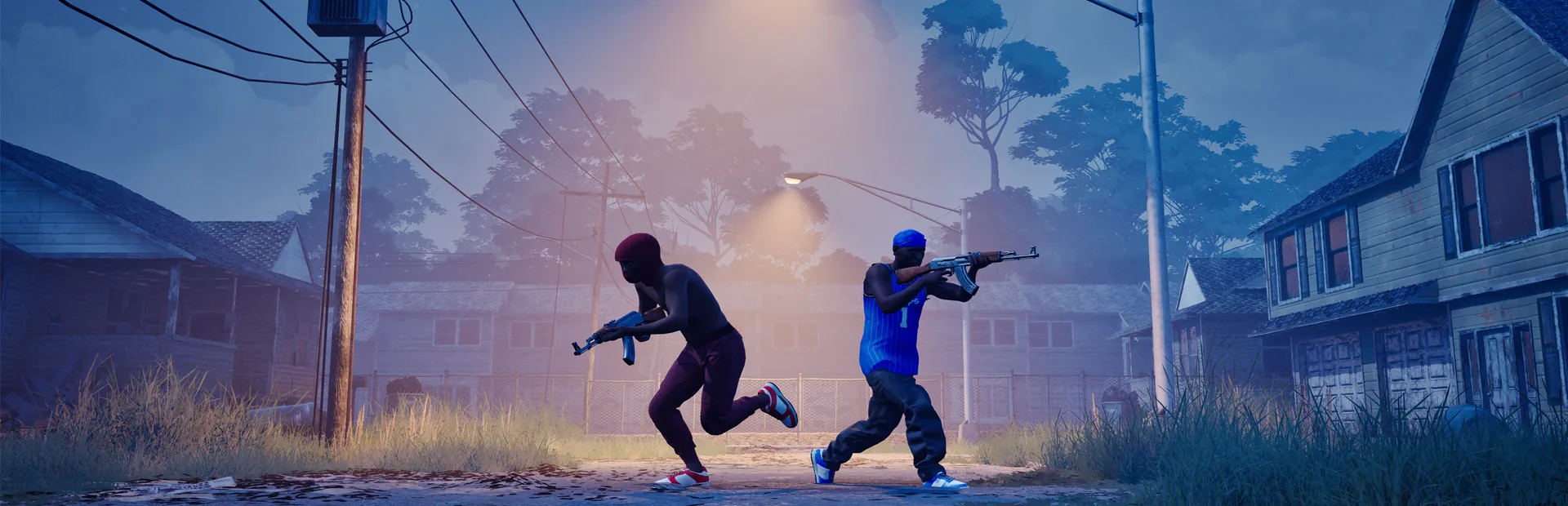
Hood Warfare 2's Steam release supports Windows PC. Compare your machine with the official minimum and recommended requirements below, then check storage separately: the listed free-space amounts differ between the two configurations.
These are the developer's requirements, checked October 13, 2026. They are not a benchmark, an FPS guarantee or a prediction of performance at a particular resolution.
Official minimum and recommended specifications
| Component | Minimum | Recommended |
|---|---|---|
| Operating system | Windows 10 64-bit, version 1909 or newer | Windows 11 64-bit |
| CPU | Intel Core i5-9600K or AMD Ryzen 5 3600, 6 cores | Intel Core i5-12600K or AMD Ryzen 5 7600 |
| RAM | 8 GB | 16 GB |
| GPU | NVIDIA GeForce GTX 1660 or AMD Radeon RX 5600 XT 6 GB | NVIDIA GeForce RTX 3060 Ti or RTX 4060 8 GB |
| DirectX | Version 12 | Version 12 |
| Network | Broadband internet connection | Broadband internet connection |
| Free storage | 25 GB | 30 GB |
| Sound | DirectX-compatible sound card | DirectX-compatible sound card |
The Steam listing also requires a 64-bit processor and operating system. The exact CPU and GPU model names matter when you compare them with your own hardware; a shared brand or family name does not establish equivalent performance.
Read the two lists separately
Treat the minimum and recommended columns as two complete reference configurations. Meeting a RAM figure while overlooking the operating system, graphics card or storage requirement is not a complete comparison.
The recommended GPU choices are NVIDIA models. The listing does not supply an AMD alternative for that column, so an unofficial equivalent should not be presented as the developer's recommendation. Likewise, the official page does not specify a target resolution, graphics preset or frame rate for either column.
Check free space on the drive you intend to use. The requirements state available storage, which does not establish the exact download size or how much space a future update will need.
Platform and input support
The official Steam application data marks Windows as supported and macOS and Linux as unsupported platforms for this release. Full controller support is listed. Check the controller setup guide for input checks before changing a mapping.
Easy Anti-Cheat is listed on the store page. Controller support does not establish a PlayStation or Xbox console release. A Windows system requirement list also does not settle Steam Deck compatibility or whether a compatibility layer will work on a particular device.
Prepare before troubleshooting a match
Record your operating system, CPU, GPU, RAM and the drive's available storage. Compare these with the official list before attributing a performance problem to a weapon setting or mode.
For an input issue, the controls guide provides a separate checklist. For a public-session issue, the player count guide explains why global concurrency cannot establish your region's queue or network quality. Neither a requirement table nor a global player total diagnoses a particular connection problem.
After the platform checks, use the beginner checklist to plan your first match.
Official sources
- Published hardware requirements and anti-cheat listing: Hood Warfare 2 Steam store.
- Supported platforms, controller support and requirement fields: Steam application details for app 5155360.
Both sources were checked October 13, 2026. Recheck the official listing if the installation or platform requirements change.