
Weapon challenges unlock attachments in Hood Warfare 2. The confirmed customization categories include sights, magazines, grips and suppressors, but there is no verified list of challenge conditions or completion thresholds here. Choose a specific attachment goal and follow its displayed requirement if one is available.
Keep the challenge reward clear
The attachment route is separate from the other two progression tracks. Match play and leveling unlock more weapons and equipment. Kills with each gun unlock new skins.
That separation prevents a common tracking mistake: recording general player levels or skin progress as proof that an attachment challenge is complete. The reward you are pursuing should determine which requirement you record.
Do not assume that every challenge asks for a fixed number of kills. Headshots, longshots, wins and other conditions would need to be verified individually before appearing in an attachment checklist.
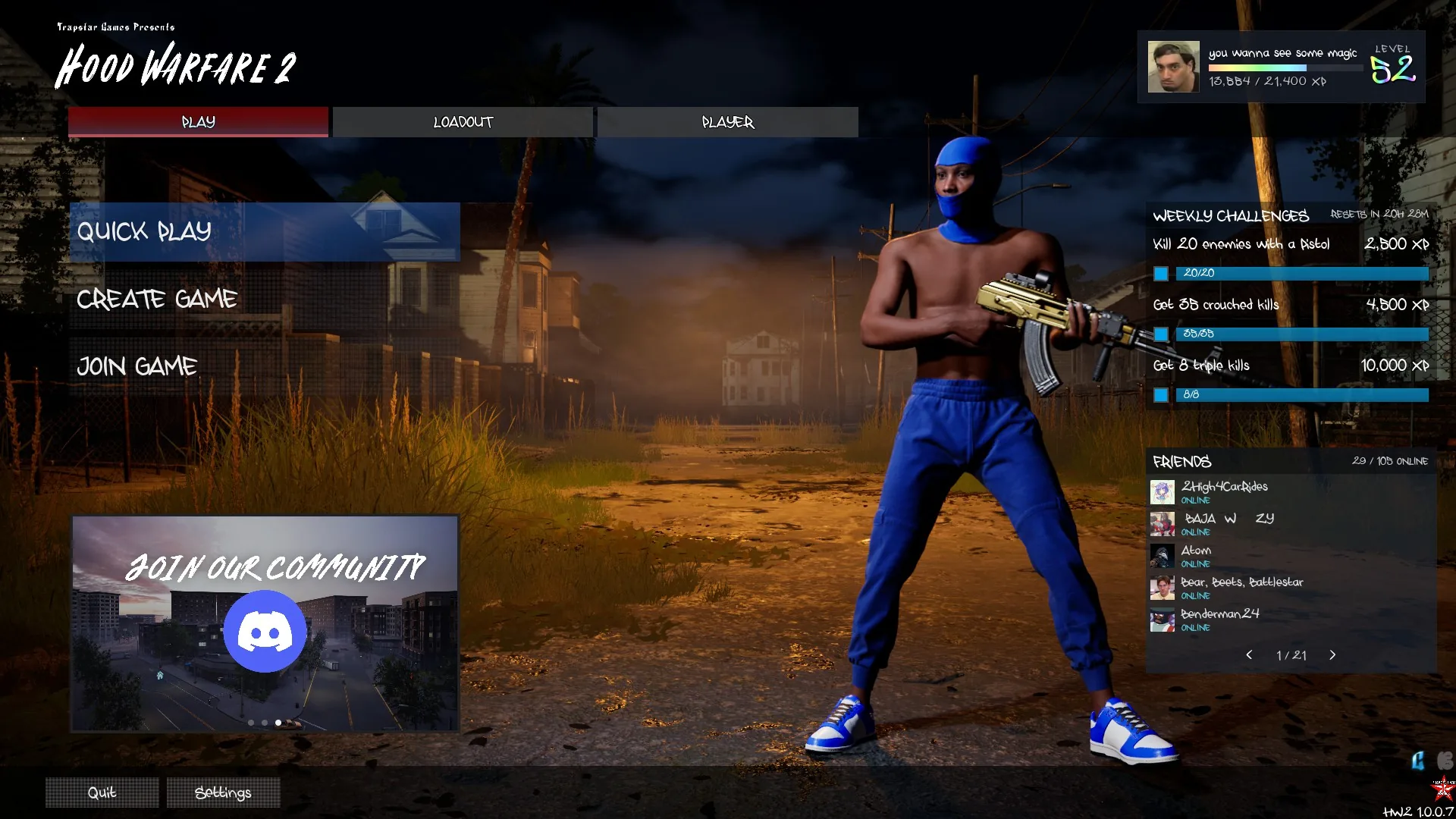
This is the Weekly Challenges panel, not an attachment-unlock checklist. Do not use its XP tasks to infer weapon-challenge requirements.
Pick one attachment goal
Use the actual attachment choices for a weapon to identify the reward you want. If the game displays a lock or a challenge condition, record what it says. Keep the weapon name, attachment name and requirement together so that similarly named choices cannot become mixed up.
A useful personal record contains:
| Field | What to record |
|---|---|
| Weapon | The exact selected gun name |
| Reward | The attachment you want to unlock |
| Condition | The wording shown by the game |
| Progress | The displayed current count or state, if available |
| Match context | The mode and whether bots or other players were present |
Leave an undisplayed value unknown. A blank requirement should not be replaced with an assumed kill total.
Check progress with a controlled attempt
Try this recommended approach:
- Note the requirement and starting progress before playing.
- Keep the intended weapon selected for the attempt.
- Perform the action that the actual challenge description asks for.
- Check the displayed progress afterward.
- Confirm the attachment's availability when the condition appears complete.
This is a way to examine progress, not a claim that every challenge uses a counter or updates at a particular moment. Follow the feedback your game provides.
A supported bot match can be useful for learning a weapon, but bot support alone does not confirm that bot actions count toward challenges. Check the relevant progress before relying on that setup for an unlock.
Distinguish an action from a credited result
If you believe you performed the required action and the progress does not change, first compare it with the exact wording of the condition. Check that the action used the intended gun and that the visible number belongs to the attachment goal you are pursuing.
Do not immediately interpret a missing increment as a known bug. The eligible match types, counting rules and update timing have not been established here.
After completing the goal, return to the attachment options and confirm that the reward can be selected. Access to an attachment and equipping it are separate checks; neither should be inferred from a skin unlock or an overall level gain.