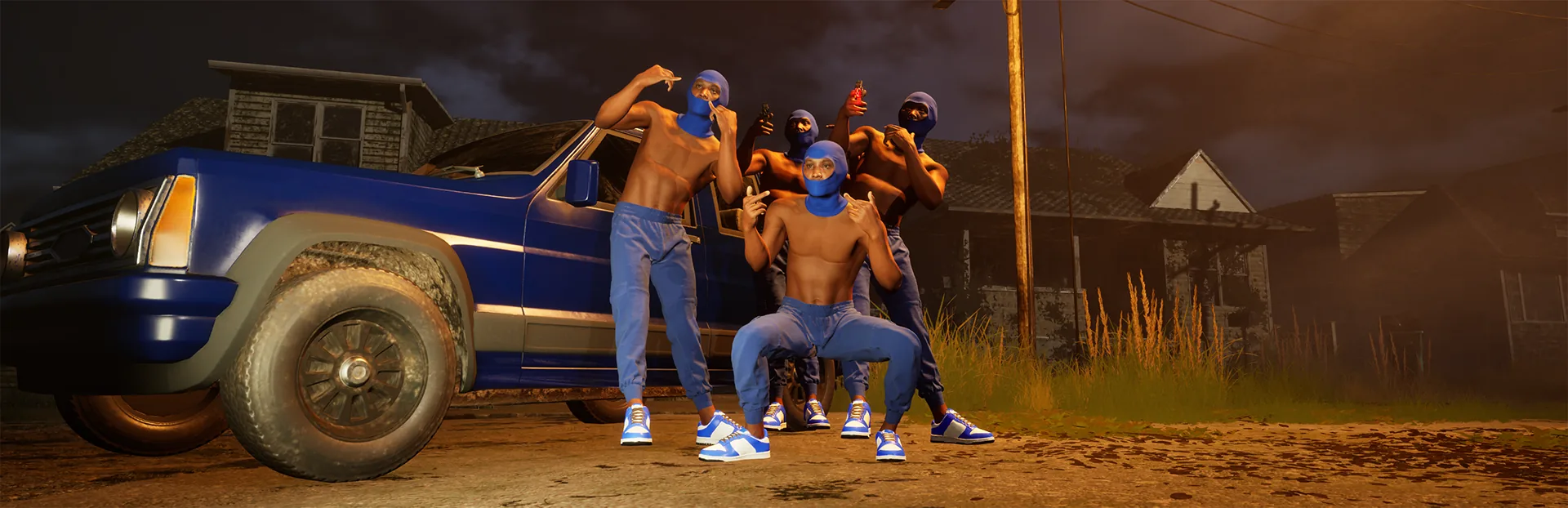
The Hood Warfare 2 sensitivity converter has two methods. DPI change keeps a mathematical baseline within the same game. Measured cm/360 uses your physical mouse travel to calibrate from another game. No game-specific yaw constant, universal best sensitivity or preset conversion ratio is verified here. Cross-game output is a starting value that you must check in Hood Warfare 2.
Choose the conversion method
| Your task | Inputs you need | What the result means |
|---|---|---|
| Change mouse DPI in Hood Warfare 2 | Current DPI, current sensitivity and new DPI | Equivalent sensitivity if input behavior stays the same |
| Match another game's physical turn distance | Source game cm/360, Hood baseline sensitivity and Hood cm/360 at that baseline | Starting Hood sensitivity if turn distance scales linearly |
| Match scoped feel or apparent movement on screen | Separate in-game tests | The tool does not establish an FOV or ADS conversion |
The DPI method uses current DPI × current sensitivity ÷ new DPI. Keep the same sensitivity scale, acceleration and other input settings. A default example in this mode illustrates arithmetic; it is not a recommended setting for your game.
The measured method uses Hood baseline sensitivity × Hood measured cm/360 ÷ source measured cm/360. The three measured inputs start empty. Use your own measurements rather than a number copied from an unrelated game or video.
Measure cm/360 in both games
cm/360 means the physical mouse travel, in centimeters, needed for one full camera turn. The measurement works from physical movement and does not require a guessed yaw multiplier.
- In the source game, keep the mouse DPI and sensitivity you actually want to match.
- Choose a stationary reference and a safe practice position. Start facing it, mark your mouse's start position, and make a full turn until you face it again.
- Measure the mouse travel with a ruler or marked surface. Move at a steady speed and repeat several times. If the measurements vary substantially with speed or direction, investigate your input settings before converting.
- In Hood Warfare 2, record the displayed baseline sensitivity, if the game exposes it. Record the Hood test DPI and leave it unchanged for the rest of the calibration.
- Measure a full turn from a stationary reference in Hood Warfare 2 using that baseline. Enter the source distance, Hood baseline and Hood distance into the measured method above.
A bot match supports practice with a chosen map and mode. The exact option names, slider range, menu path and availability of separate aim sensitivity controls are not established here; use what your installed game actually presents.
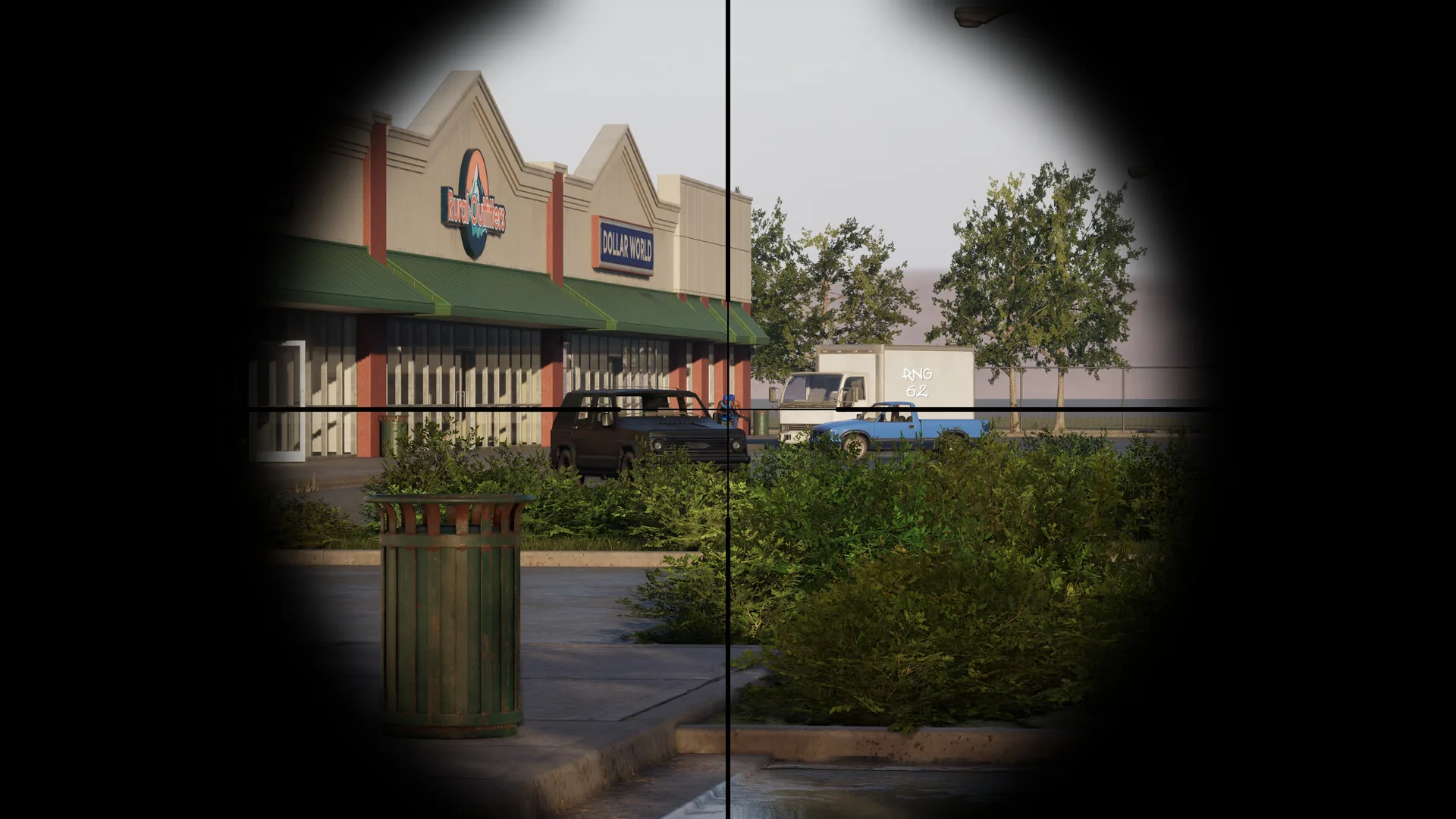
Use the same stationary visual reference for each full-turn check. This screenshot does not supply a measured sensitivity value.
Verify the linear-scaling assumption
Before relying on a converted value, make a small trial change to the Hood sensitivity and measure again. If sensitivity scales turn distance linearly, increasing sensitivity should reduce the required travel in proportion. For example, doubling a baseline would approximately halve its cm/360. This is a test of the assumption, not a verified statement about Hood Warfare 2's input implementation.
A purely mathematical example: a source distance of 40 cm/360 and a Hood distance of 80 cm/360 at baseline sensitivity 1 produce a starting sensitivity of 2. Those values are examples, not measurements or recommended settings. At the result, repeat several steady full turns and check whether the measured Hood distance is close to your source distance.
If the trial change does not scale as expected, do not treat the result as a reliable conversion. A discrete slider, rounding, acceleration or another input setting may affect what you can reproduce. Keep your recorded baseline so you can restore it.
Keep DPI, FOV and aiming checks consistent
Leave the Hood test DPI, input scale, acceleration, FOV, weapon, sight and ADS state unchanged between its baseline measurement and result check. Changing them during the test makes the comparison harder to interpret. Measure normal looking and aimed movement separately if the game offers both.
Matching physical turn distance does not establish equal visual feel at different fields of view. This tool does not provide monitor-distance matching, a scoped multiplier or an FOV-specific conversion. It also does not convert mouse input to controller stick movement.
Save or share a calibration
Use Save inputs on this browser to restore your last active method and inputs on a later visit. Copy result includes the inputs and measurement context, so the output remains understandable outside this page. Copy share link creates a link containing only the converter's numeric inputs. A clipboard failure is shown explicitly; copy the visible result or link manually if your browser blocks clipboard access.
Saving does not write settings to the game or sync between browsers. Clearing this site's browser data removes the saved inputs. A share link is useful for reproducing the calculation, but it is not evidence that the measurements or resulting setting suit another player.
Keep aiming and button changes separate
Use the controls checklist when an action is not recognized, and the controller guide when using a gamepad. Keep your weapon configuration in loadout notes while comparing a sensitivity change.
Official feature reference: Hood Warfare 2 on Steam. The calibration procedure and formulas above are mathematical practice guidance; the Steam description does not verify a specific input scale or sensitivity ratio.