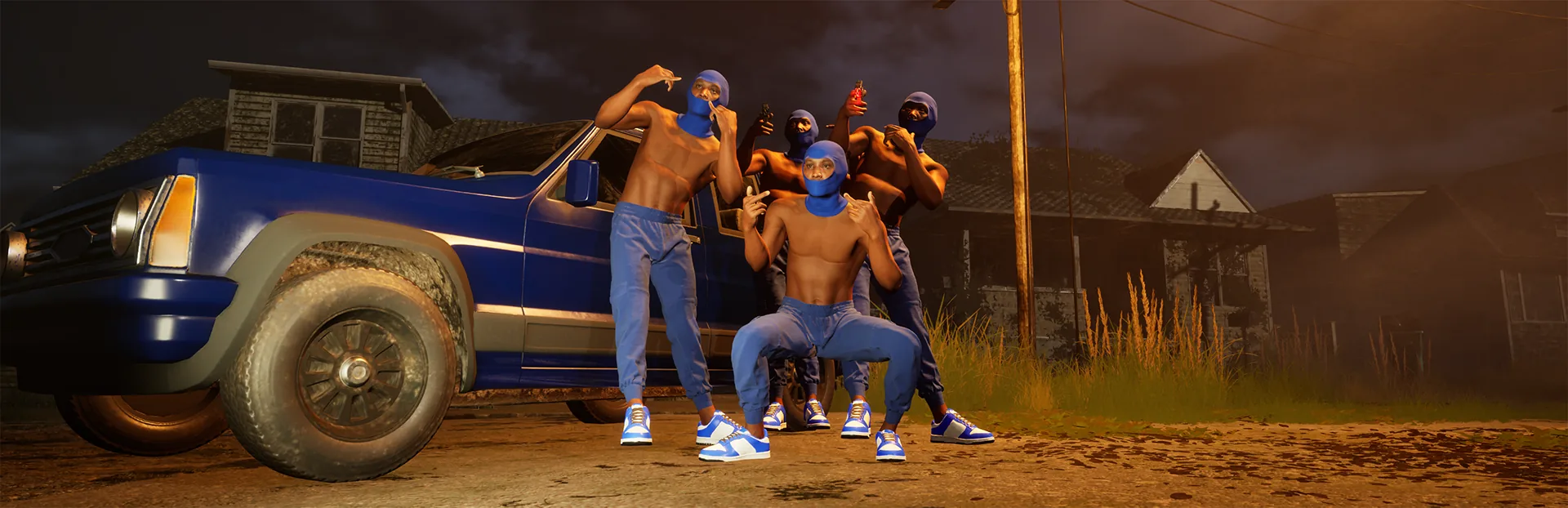
Hood Warfare 2 private matches are available in patch 1.0.1.4. Trapstar Games says you can create a private, password-only lobby with friends. Start by checking your installed version; a launch-day guide can miss this feature.
Check your version before hosting
- Open the game menu and read the version in its bottom-right corner.
- If the private-match feature is missing on an older installation, close the game and check for its Steam update.
- If Steam has not offered the update, follow the developer's refresh instruction: use Steam → Exit Steam in the top-left Steam menu, then reopen Steam.
- Launch the game again and check the displayed version before testing the lobby.
The October 14 announcement names 1.0.1.4. Future patches can have a different version; compare against the current official notes rather than trying to downgrade to this specific release.
Prepare a password-only session
Use the lobby-creation options shown in your installed game to create a private match and set its password. Give friends the password and the information they need to identify your lobby. Exact button labels and an invite sequence are not published in the announcement, so this guide does not substitute a guessed menu path.
Before the match, agree on one map and mode. The official game description confirms choosing a map, mode and match settings for bot matches; verify the options displayed in your private lobby separately. A friends-only lobby and a bot practice match answer different needs.
Run a short joining check before committing to a longer session: one friend joins, confirms the intended lobby and checks that the selected match is the one you agreed on. Set up team or lobby voice chat once everyone is present.
Troubleshoot the stage that failed
| Symptom | Next check |
|---|---|
| Private-match option is missing | Check the menu version and refresh the Steam update first |
| A friend cannot enter the intended lobby | Recheck the lobby details and password, then compare installed versions |
| Joining fails or the game crashes | Patch 1.0.1.4 lists joining and crash fixes; update and retry before treating an old report as current |
| You enter, then receive an anti-cheat kick | Follow the anti-cheat update checks and keep the exact message |
| The match works but sound is missing | Follow the audio-output fix |
These are checks to narrow the failure, not promises that a particular error has one cause. If joining still fails after updating, keep the displayed version, the stage that failed and the exact error for a useful report.
Sources and related guides
Trapstar Games: patch 1.0.1.4 confirms password-only private lobbies, false-kick fixes, the audio-output instruction and Steam refresh steps. Checked October 15, 2026.
The patch timeline links both announcements. For a practice goal, use the bot guide; for choosing an objective together, compare the six modes.