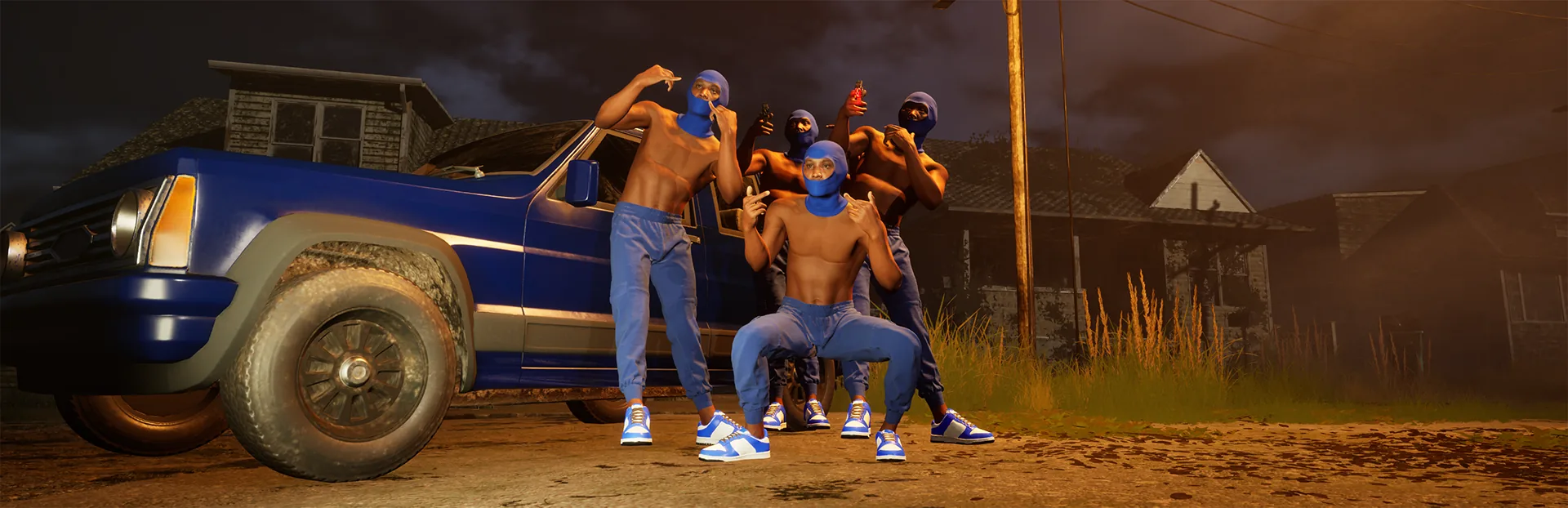
Chicago Mall is one of the locations named in the Hood Warfare 2 Steam description. The name confirms a selectable map identity; it does not give you a verified floor plan, a list of accessible shops or the position of a mode's objective.
There are no confirmed floor numbers, escalator routes, spawn positions or bomb sites in this guide. Use the map name and the information visible in your match to establish where you are.
Identify Chicago Mall by name
A screenshot containing a shopping interior is not sufficient to identify Chicago Mall. Confirm the named map selection before treating a scene, callout or route as part of this location.
You can choose a map and mode when setting up a match against bots. For practice, keep Chicago Mall selected and work on the objective you expect to play. Use the menu example below to identify the map field; it does not establish the current bot limit.
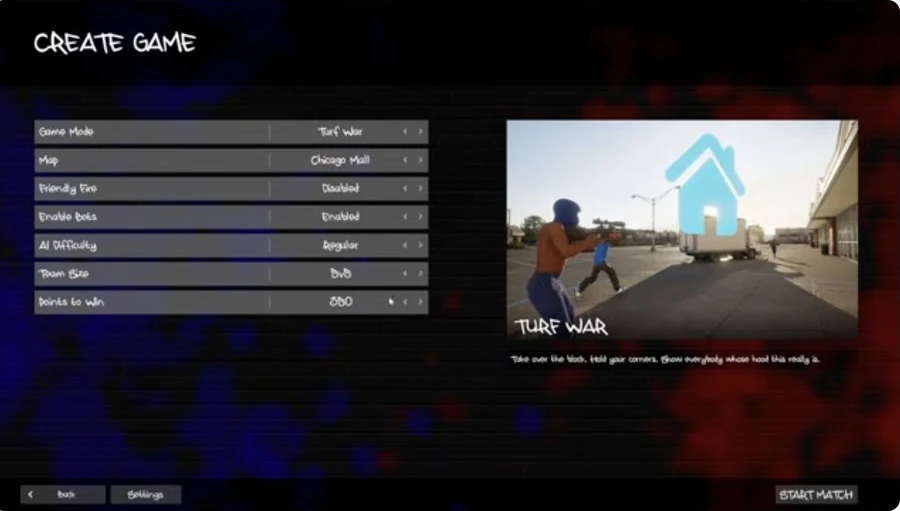
The Map field reads Chicago Mall. The large image on the right previews Turf War, the selected mode; it is not a layout or identified gameplay view of Chicago Mall.
In the recorded Create Game screen, use the arrows on the Map row until Chicago Mall appears. Choose Game Mode separately, then check Enable Bots if you want bot practice. Confirm the map text before starting; the mode preview alone does not identify the map.
Source: original menu at 9:17, visually checked October 19, 2026. This historical recording establishes that selection at the time; it does not prove the latest menu, available modes or map layout.
Check access before planning a shortcut
For a first visit, establish which visible areas you can actually reach. If a passage, doorway or change in height is accessible, note how it connects to the objective shown in the match. Do not assume that a decorative storefront is an entrance or that a visible upper area is playable.
Compare possible approaches only after walking them. The shorter-looking path may not be usable, and this page does not rank a route as the fastest or safest.
Use landmarks instead of assumed floor labels
Describe a visible landmark that your teammate can also recognize. Avoid assigning floor numbers, store names or direction labels that neither player has confirmed.
The objective matters as much as the map. A bag capture requires a destination and a return path, while a bomb round requires identifying the relevant objective. Confirm those positions in the selected match before carrying an indoor-route plan into another mode.
Choose the mode for your map practice
Use the map-name overview to switch map guides, then compare the mode objectives before selecting a bot practice session. Keep the map fixed while checking one input or objective so an unfamiliar route does not obscure the comparison.
Official feature reference: Hood Warfare 2 on Steam.