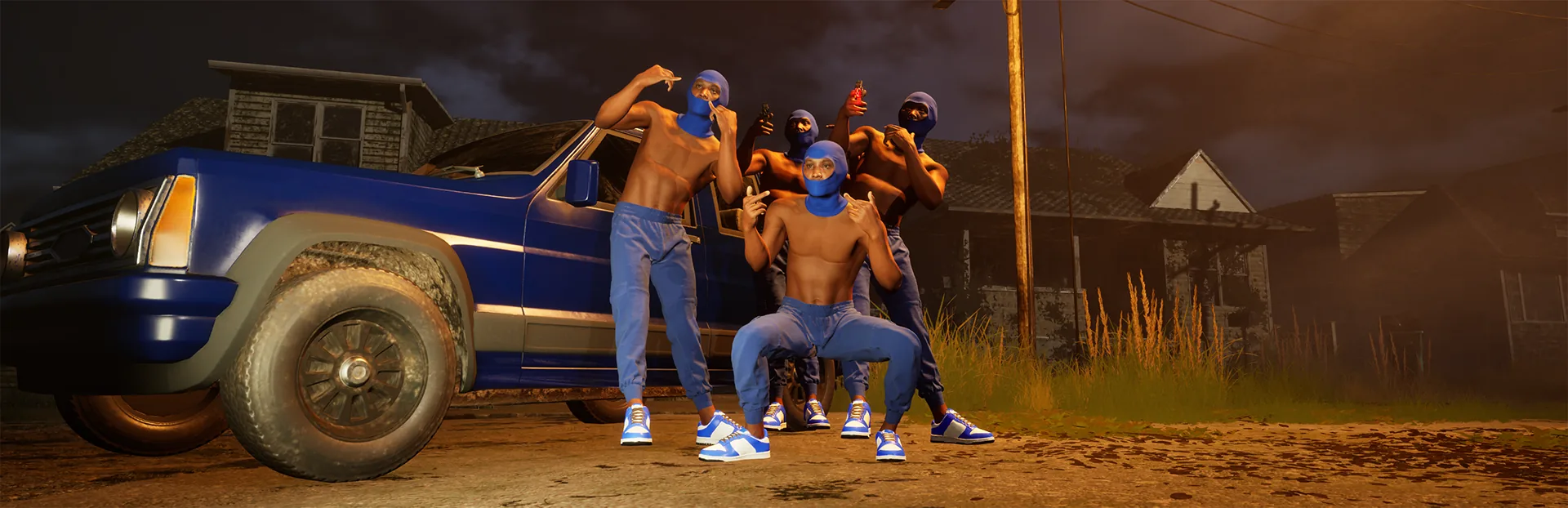
The Hood Warfare 2 Steam description names Downtown, Suburbs, The Trenches and Chicago Mall. These four named locations are not a verified count of every map currently available. The game uses a Chicago setting, but the names do not provide real-world addresses or a navigable city map.
There is no verified map diagram here showing spawn points, bag positions, bomb sites or territory markers. Choose the map by name, then learn the positions that appear in your selected mode.
Locations named in the Steam description
| Map | Name to recognize | Coverage on this page |
|---|---|---|
| Downtown | Downtown | Confirmed map identity |
| Suburbs | Suburbs | Confirmed map identity |
| The Trenches | The Trenches | Full name, including “The” |
| Chicago Mall | Chicago Mall | Full name, rather than an unnamed mall scene |
The overall map description includes street fighting, indoor fighting, and routes and positions to learn. It does not assign a specific floor plan or a fixed tactical role to each of these names.
Why four store names do not establish the complete map count
The official 1.0.10 announcement also refers to supermarket while explaining that some maps are very small. It reports spawn adjustments and changes to Drive By locations on some maps. It does not supply an exhaustive roster or identify supermarket as another name for Chicago Mall.
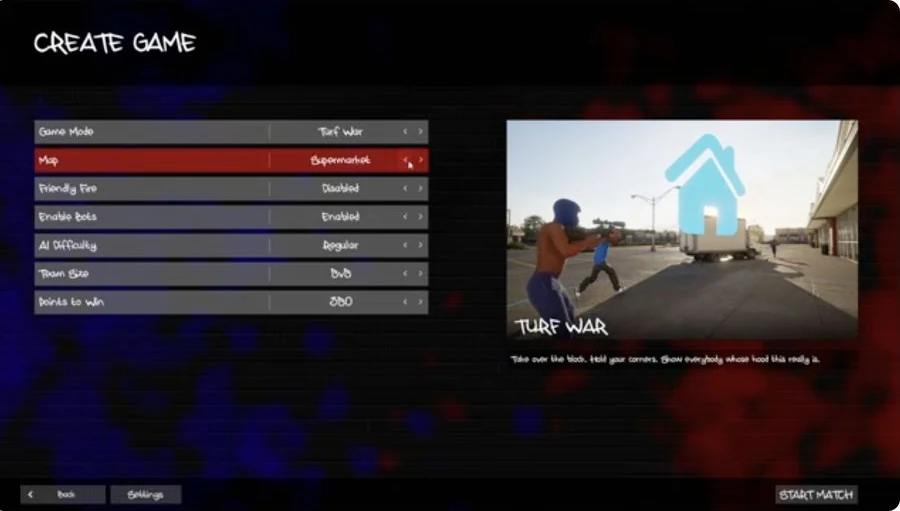
Supermarket is selected in the Map field. The large image on the right is the Turf War mode preview, not a Supermarket layout or identified view of that map.
The recorded Create Game menu at 9:15, visually checked October 19, 2026, shows Supermarket as a map option. This is direct menu evidence that the four store-listed names do not cover every option observed in this recording. It does not establish when Supermarket was added or the complete current roster.
Use the arrows beside Map to read the selected name, and choose Game Mode separately. Confirm both fields in your current client before starting a practice match. Do not use the mode preview to identify the map, assume that different names are aliases, or infer objective positions from the illustration. The table above remains an index of the locations explicitly named in the store copy.
Identify the map before learning a route
For a focused practice session, use the game's supported ability to choose a map, mode and match settings and add bots. A useful learning order is:
- Choose one named map and keep that selection for the session.
- Choose the objective you intend to practice.
- Look at the loaded environment and the objective information shown during the match.
- Learn how to reach that objective before comparing routes on another map.
This is a recommended practice routine. The recorded menu shows map and mode selection, but does not establish the current bot limit or offline availability.
Map locations and objective locations are different
A map name identifies the playing area. A territory, bag or bomb objective is something you need to find within the chosen match. A list of location names cannot answer where those objectives sit, and a screenshot of a street cannot identify its map unless the name is shown or otherwise confirmed.
For directions from teammates, establish the map and mode first. Use a landmark both players can see, rather than treating an unverified callout or a location from another game as part of Hood Warfare 2.
Open a named map guide
Choose Downtown, Suburbs, The Trenches or Chicago Mall. Then use the mode browser to decide which objective you want to practice on that map.
Official feature reference: Hood Warfare 2 on Steam.